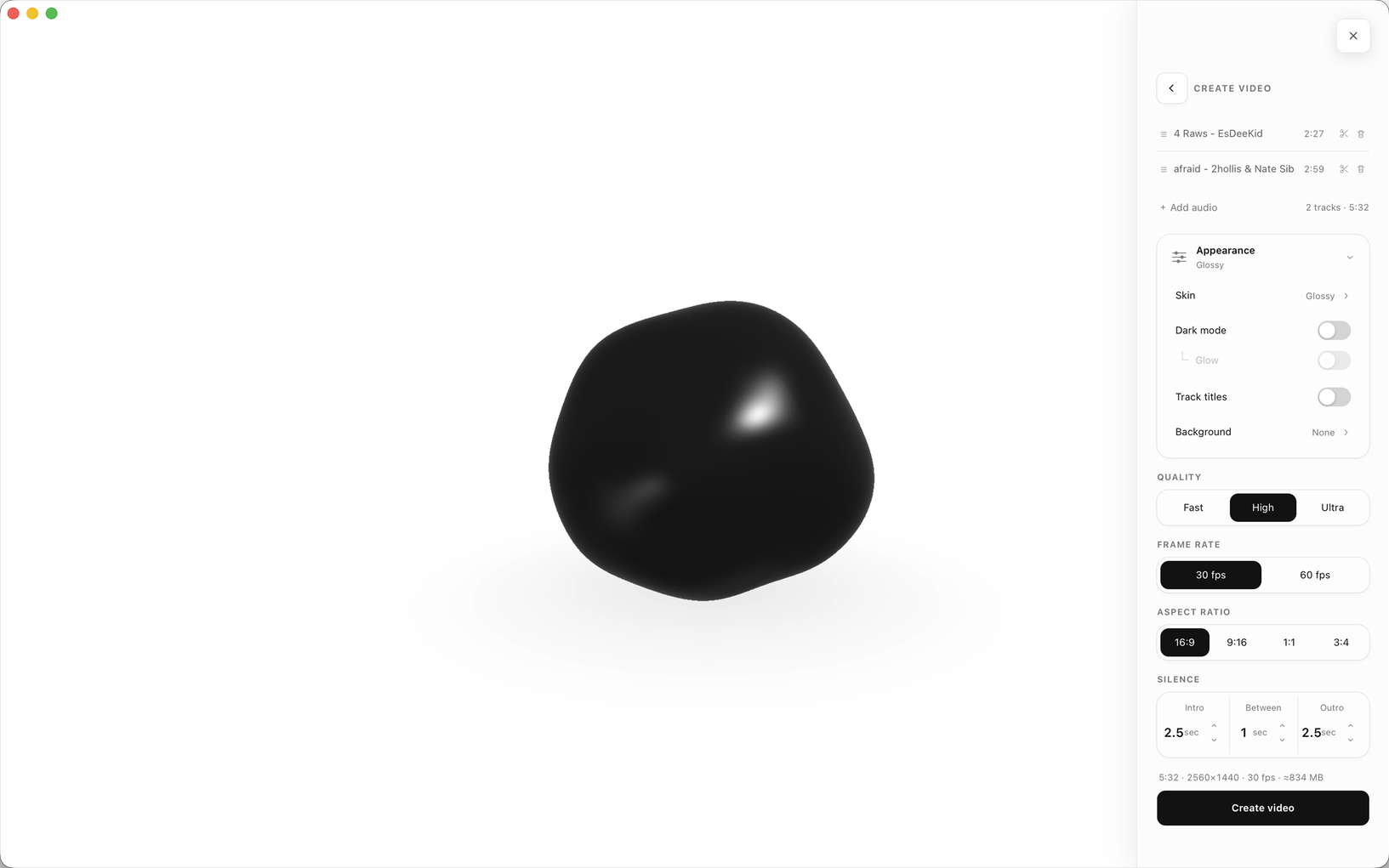
Dark mode
A dark rendering for every skin.

Bloop turns whatever is playing on your computer into a living form. Every movement comes from the track happening now.
Level, bass, mid, treble, energy, and beats drive the form in real time. Quiet passages settle. Louder moments stretch, split, and pull it apart.
Pick where the sound comes from. System Audio takes whatever is playing on the Mac, so Apple Music, Spotify, browsers, and other apps can all become the input. Microphone takes the room instead.
Every skin uses the same responsive movement system, then reveals it through a different material, structure, and light.
Wet ink, soft deformation, and hard light.
Topographic bands drawn across a fluid body.
A see-through membrane, iridescent at the rim.
A wire structure that exposes every bend and split.
A field of particles that breaks apart on the beat.
Beaded filaments that bloom outward with the track.
Thick tangled tentacles that reach out on each hit.
An empty disc whose edge is pushed by sound and trails where it has been.
Tune Bloop for a bright desk, a dark room, or a screen you want to leave running while the album plays.
A dark rendering for every skin.
A soft bloom behind the form, in dark mode.
A transparent macOS glass surface that works with every skin.
Track details and playback controls for supported players.
Keep the visual running through long listening sessions.
Add one MP3 or build a playlist. Choose a skin, frame, background, and intro or outro timing. Bloop renders the result as H.264 video with AAC audio.